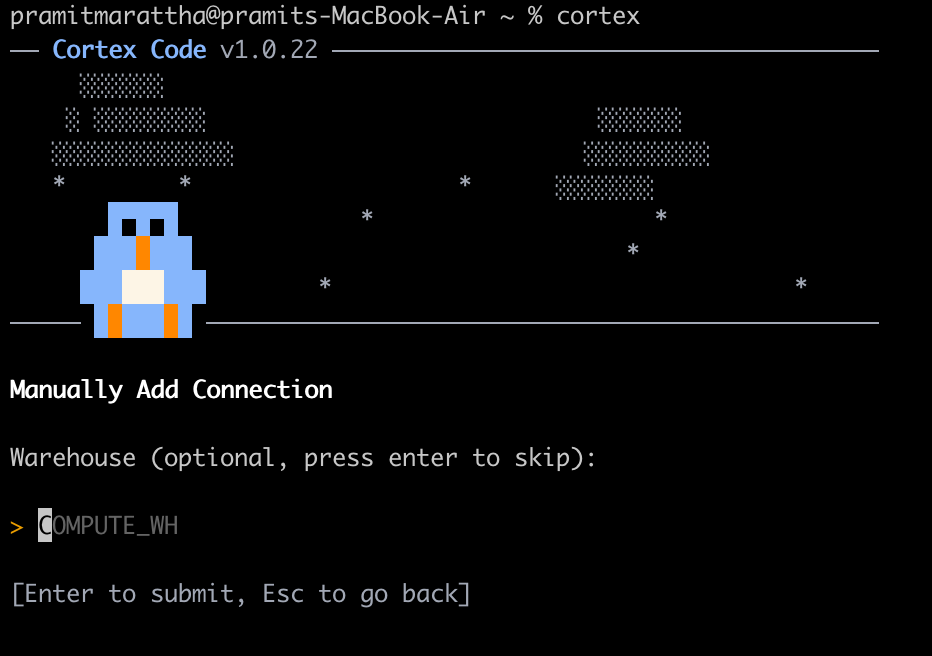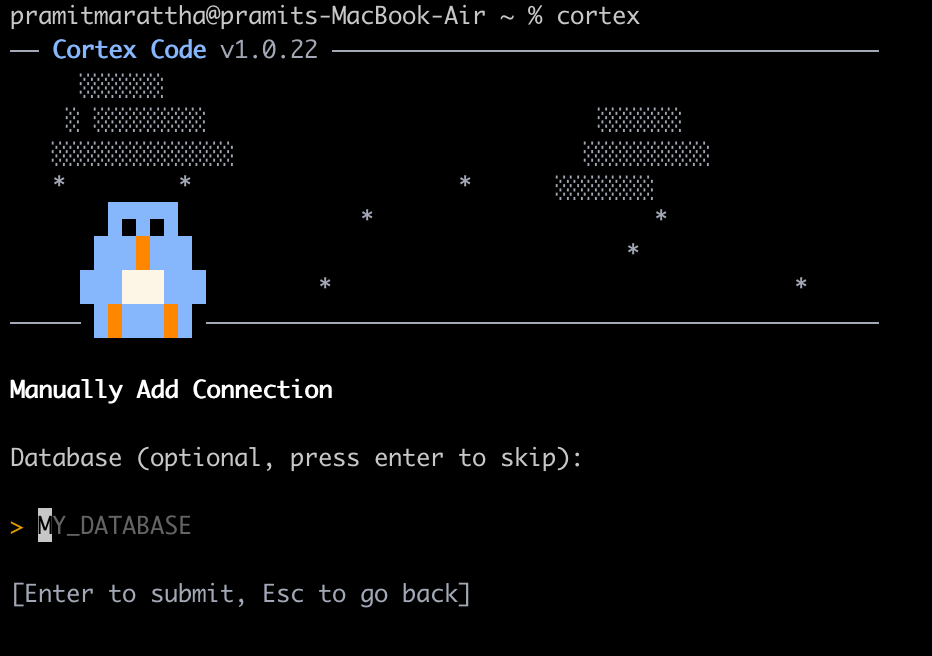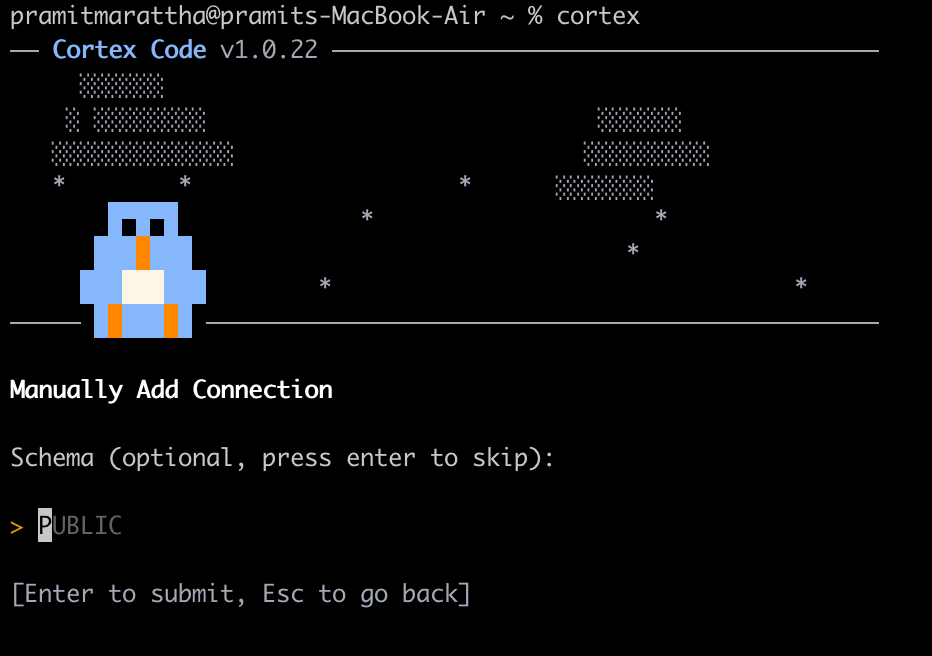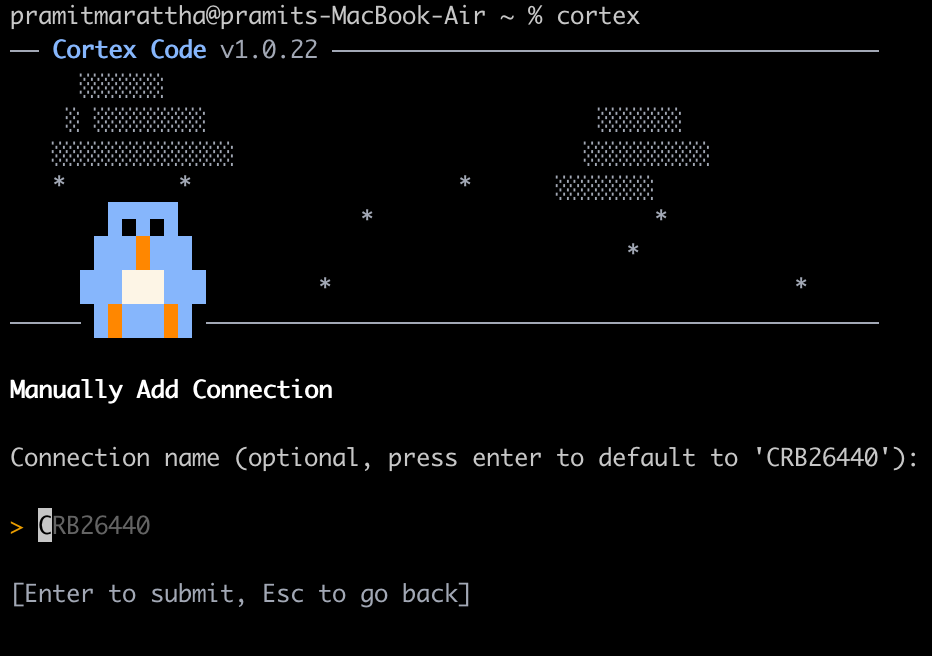
AI coding agents are now available everywhere. GitHub Copilot, Cursor, OpenAI’s Codex and Amazon Q Developer are just a few examples. These tools are good at writing and completing code, handling application logic and performing various coding-related tasks. But they have trouble working in the Snowflake environment. Third-party tools often don’t integrate well with Snowflake’s security and metadata services.
To solve this problem, Snowflake introduced its own coding agent, Snowflake Cortex Code. Announced at Snowflake BUILD, Cortex Code knows the Snowflake environment well. It knows well about your databases, schemas, active warehouses, semantic models and governance rules. This knowledge allows it to assist with SQL, Python and dbt projects without making errors like using incorrect table names or violating access controls.
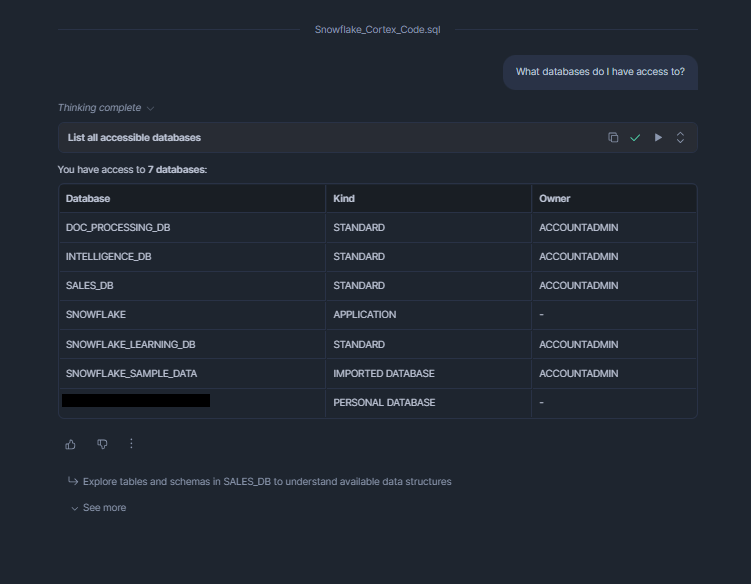
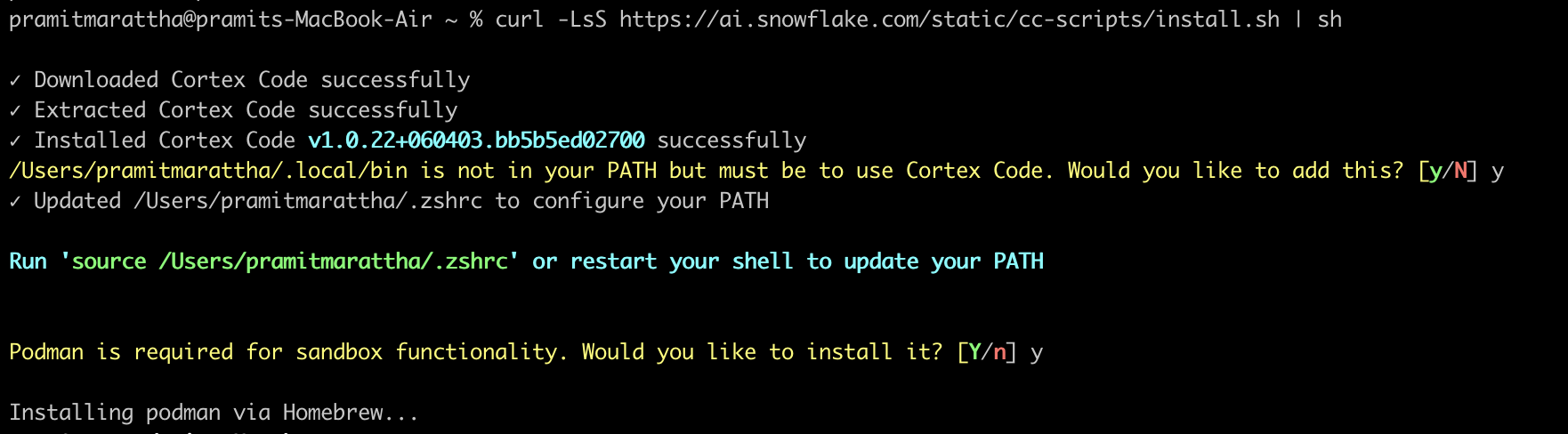
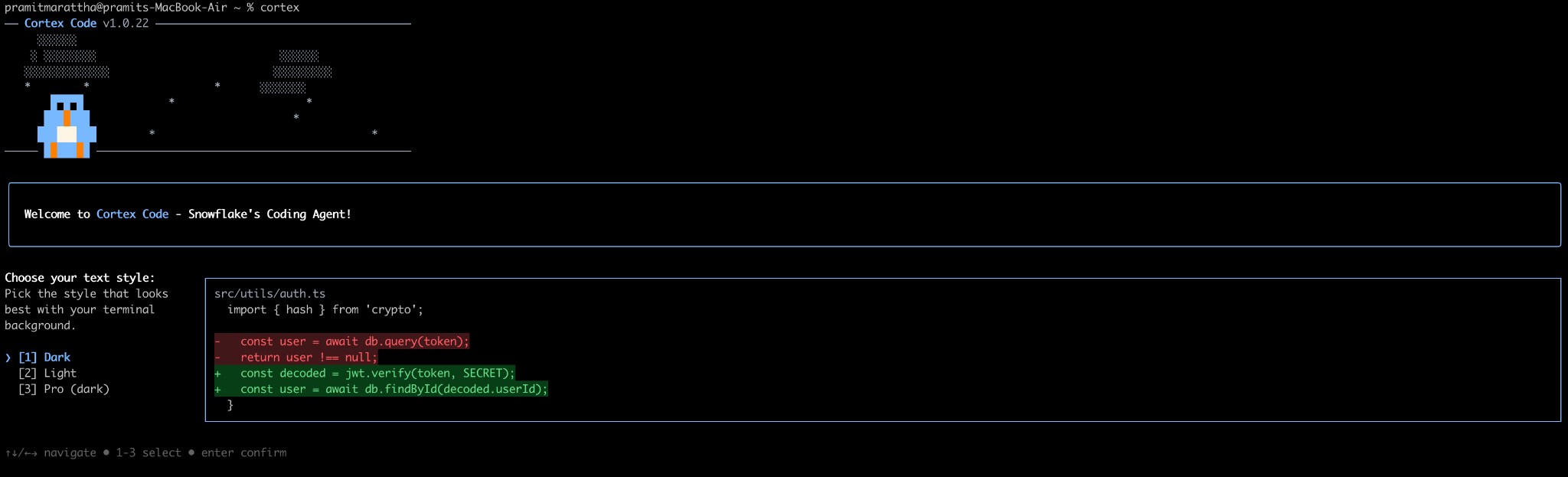
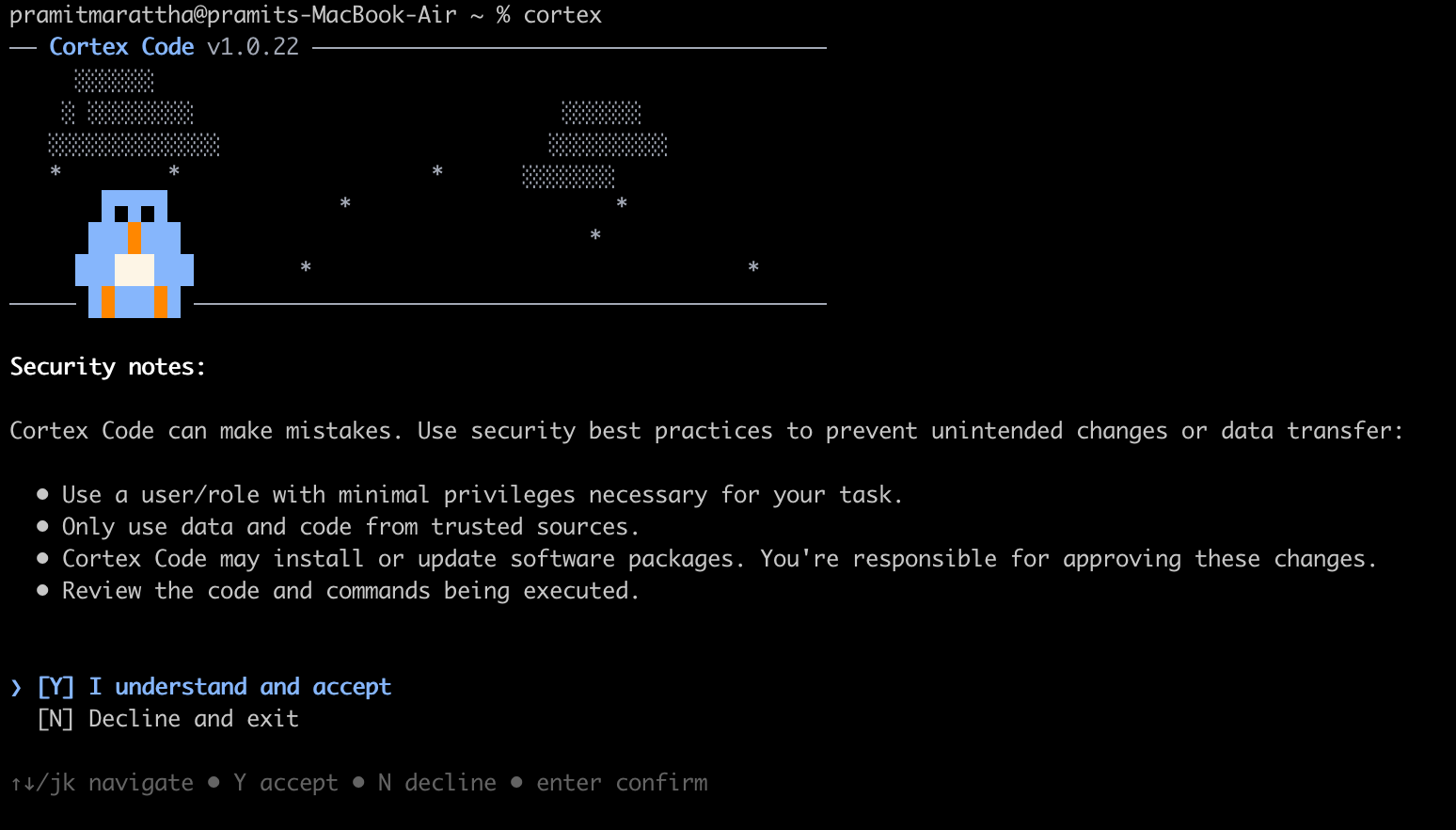
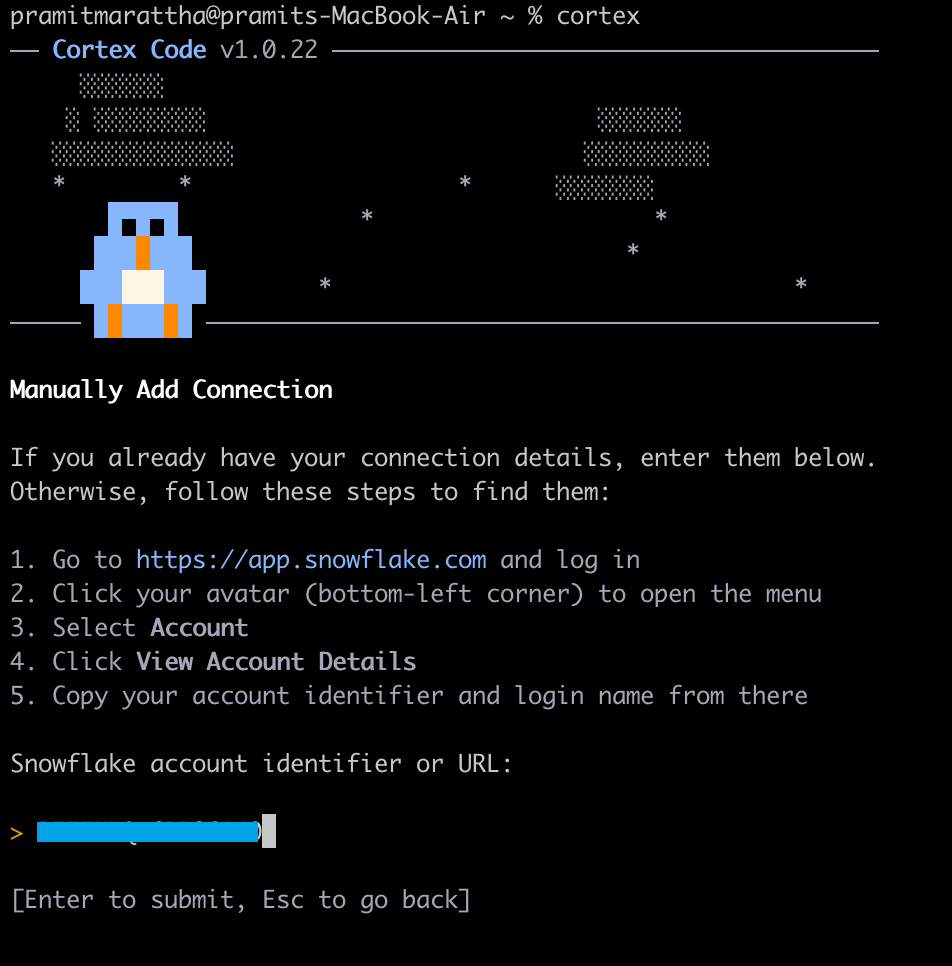
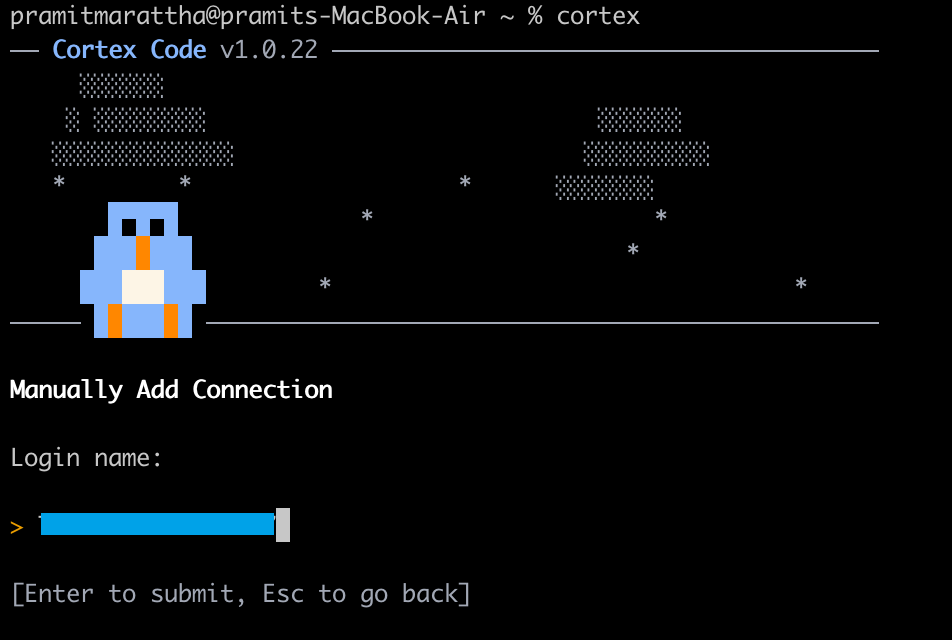
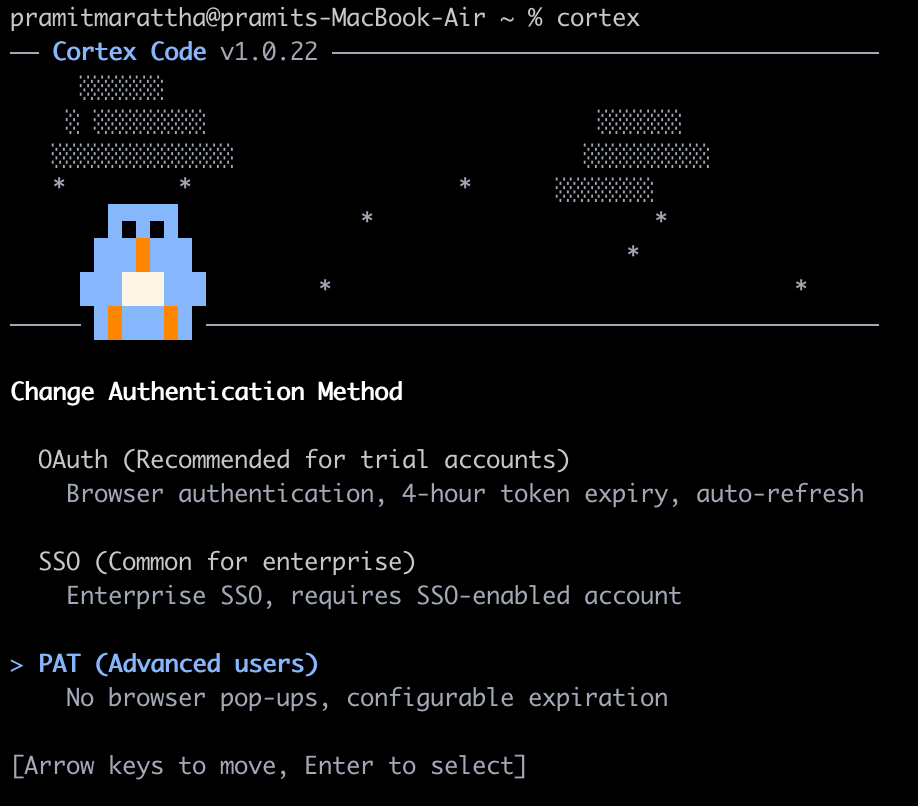
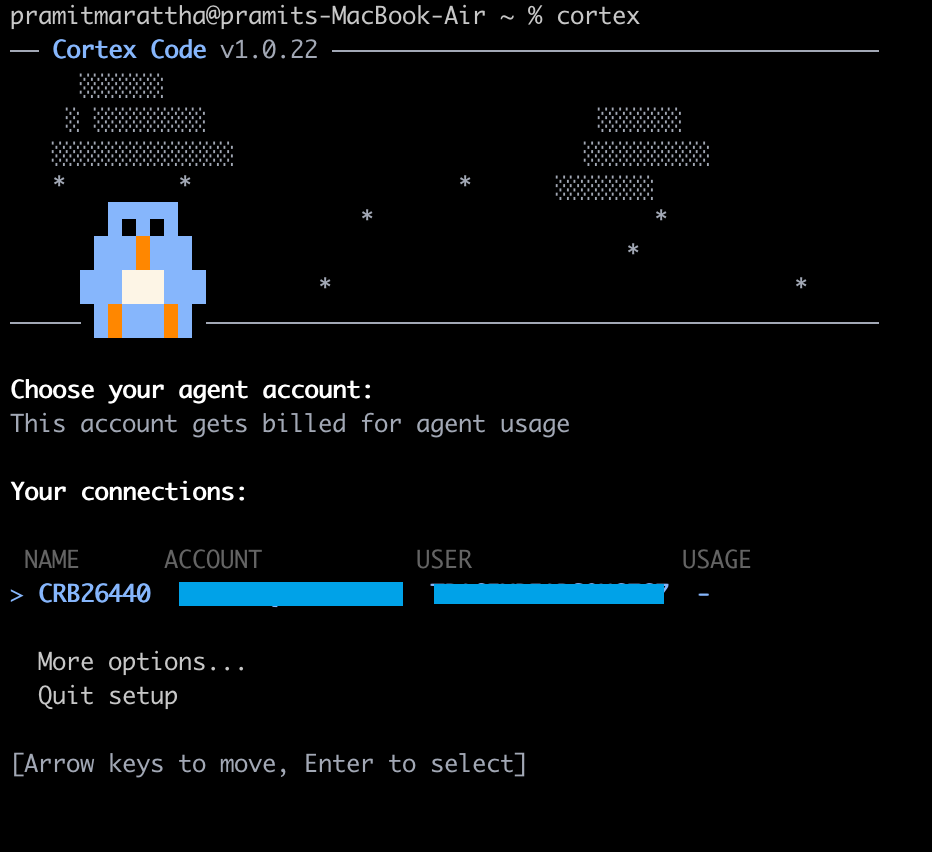
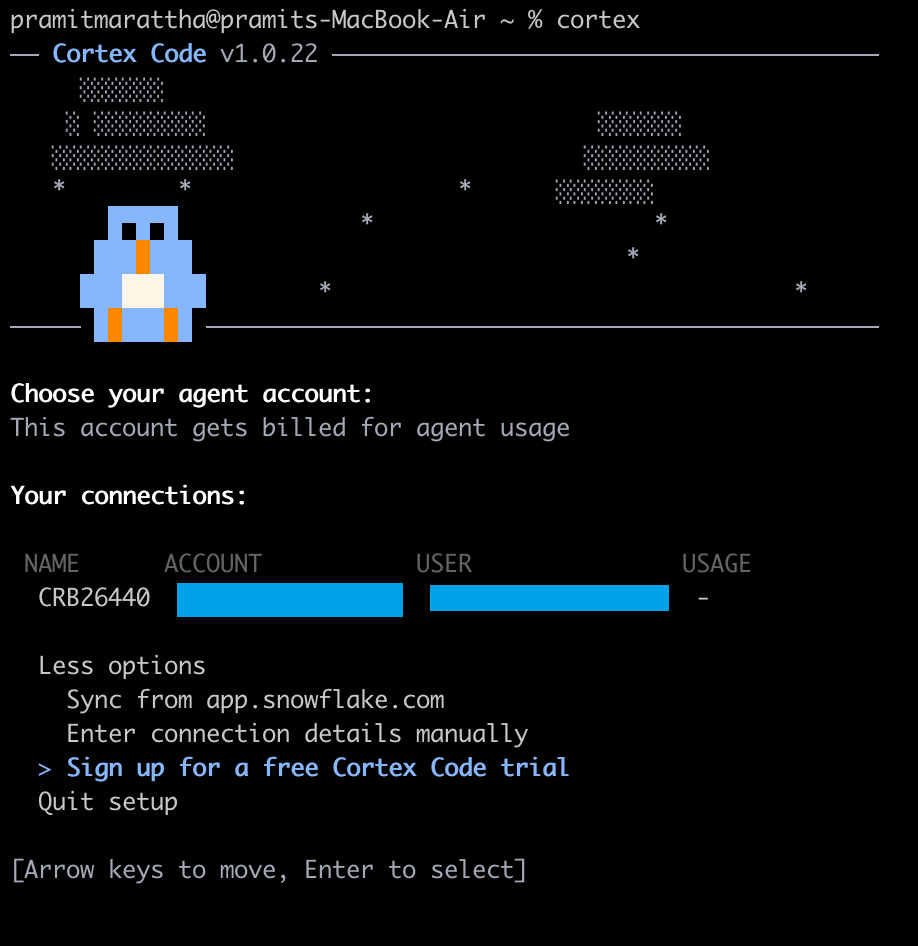
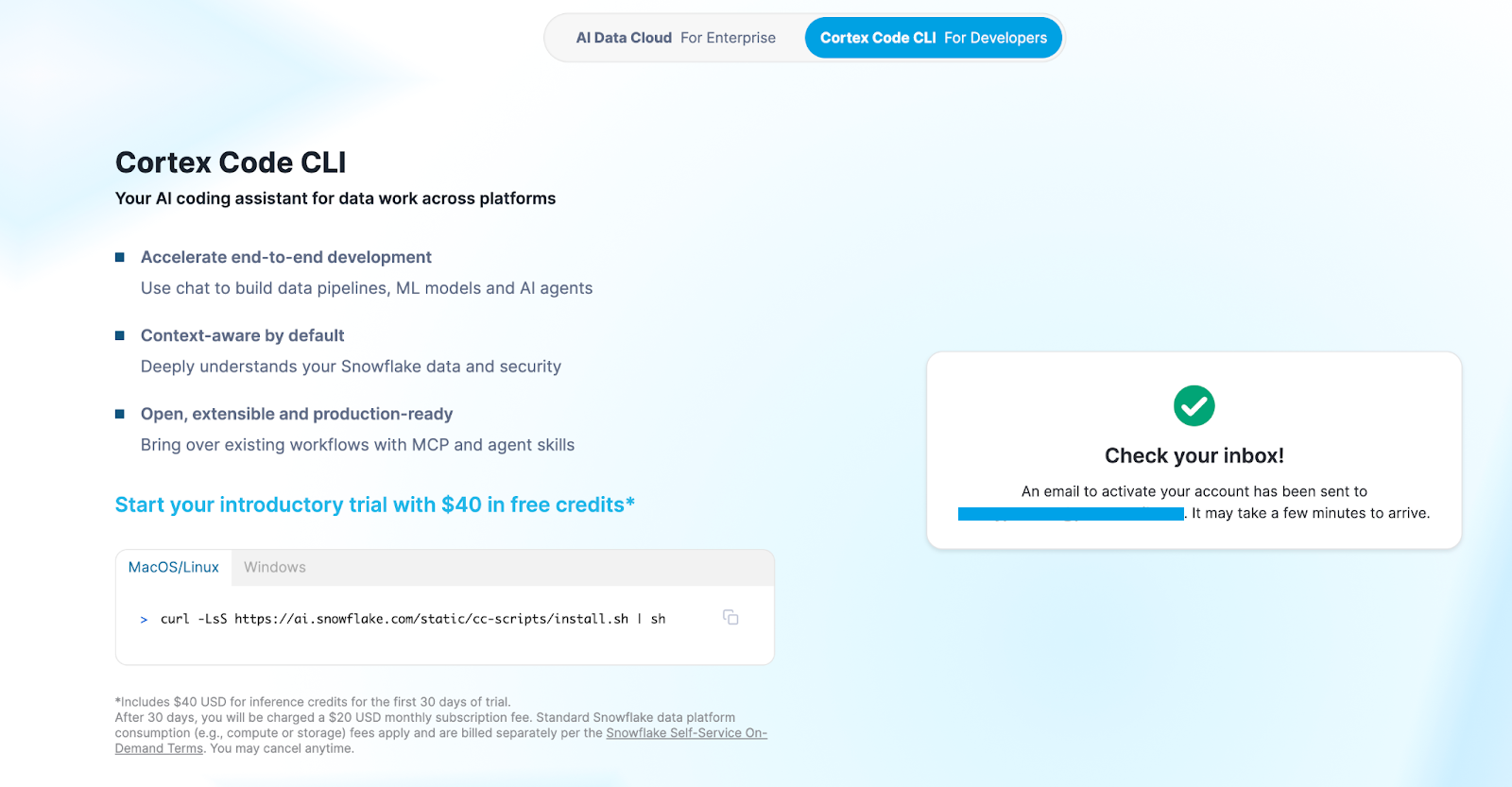
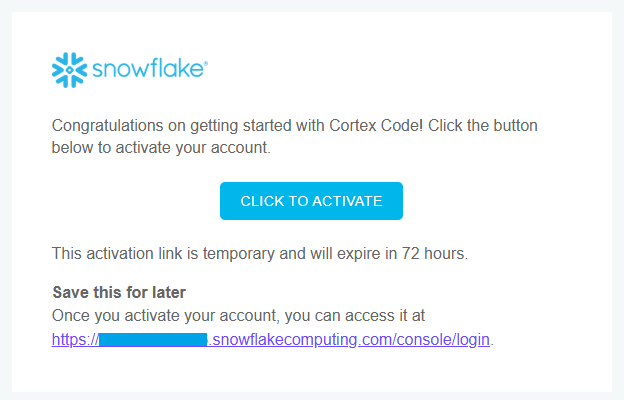
Snowflake Cortex Code is available through two interfaces. You can use Snowflake Cortex Code in Snowsight, which is currently in Open Preview and is free. The Cortex Code command line interface (CLI) is also available in GA on macOS and Linux. It integrates easily with VS Code, Cursor and any terminal-capable editor.
In this article, we will cover what Snowflake Cortex Code is, how it works, how it is different from other Snowflake AI features and exactly how to enable and use it in Snowflake Snowsight and via the CLI.
What is Snowflake Cortex Code?
Snowflake Cortex Code is Snowflake’s own AI coding agent. It is a fully managed, Snowflake native assistant that translates natural language prompts into executable SQL, Python, dbt workflows, Streamlit apps and various other administrative actions. It does not just suggest code fragments. It plans multi-step tasks, executes them against your actual Snowflake environment and uses your account-level context (schemas, roles, semantic models, metadata) to make sure the output is accurate and relevant to your specific setup.
Snowflake Cortex Code is a part of Snowflake’s new Cortex AI suite, which also includes:
Snowflake Cortex Code is the developer-facing component of the suite.
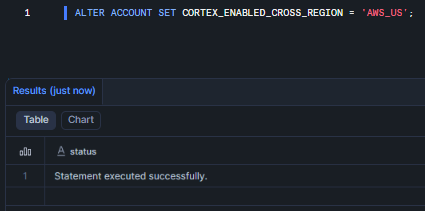
Snowflake Cortex Code is available to all commercial Snowflake accounts with cross-region inference enabled. Government cloud, virtual private Snowflake (VPS) and Sovereign cloud deployments are not supported now. If your account previously opted out of (or disabled) Snowflake Copilot (legacy), Snowflake Cortex Code will also be disabled by default. You will need to contact your Snowflake account team to re-enable it.
Snowflake Cortex Code is accessible via two channels:
- In-platform (Snowflake Snowsight/Snowflake Workspaces) → embedded in the Snowsight UI
- Local CLI (Terminal/IDE) → runs in your local terminal; works inside VS Code, Cursor, or any shell
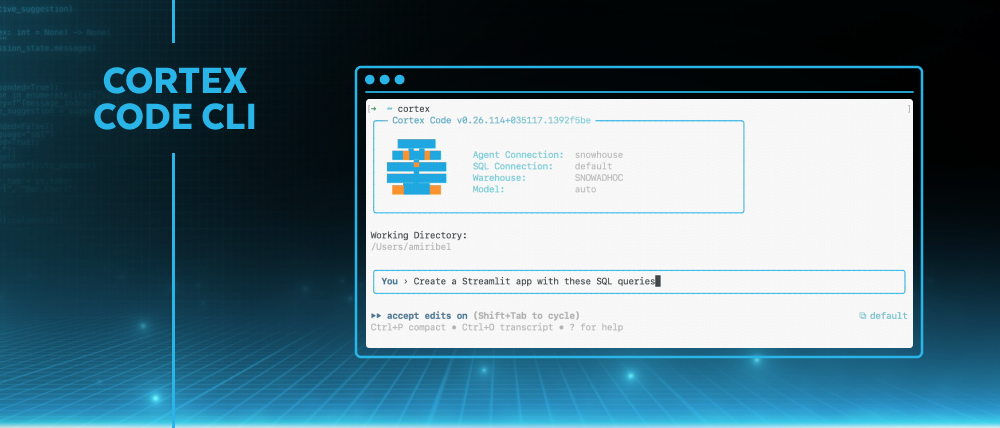
Figure 1: Snowflake Cortex Code (Source: Snowflake)
Snowflake Cortex Code is a Snowflake native tool. It operates on Snowflake’s managed Cortex infrastructure, eliminating the need for a public third-part AI agents API. This allows it to access your account metadata and object details. When running queries or code, Cortex Code functions within your current security framework. It sends commands to your Snowflake warehouses or serverless compute. Due to this, everything is secure since Cortex Code can only access what you already have permission to see and use.
Architecture and how Snowflake Cortex Code accesses context
Snowflake Cortex Code can seem mysterious but is actually pretty straightforward. Once you understand how various parts interact, you will be able to use it more effectively.
Snowflake Cortex Code architecture is straightforward. Here is a detailed look at what goes on inside the Snowflake Cortex code.
The runtime environment
Snowflake Cortex Code runs inside Snowflake Cortex, Snowflake’s fully managed AI infrastructure. It does not hand off your queries or data to third-party model infrastructure outside your Snowflake environment. All models execute under Snowflake’s security and governance umbrella.
When you submit a prompt, Snowflake Cortex Code takes action in a few ways:
- It pulls in metadata from your account and specific object-level context, like schemas and tables
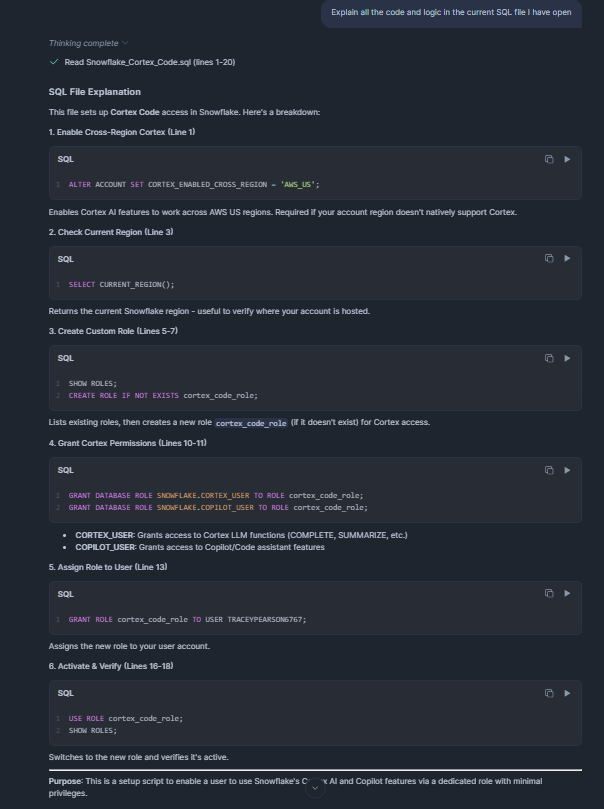
- It reads your current Snowflake workspace context; the SQL file or Snowflake notebook you have open becomes the implicit background context
- If needed, it will execute SQL or Python commands on your authorized warehouses and objects
The agent follows a simple workflow: it figures out what you mean, creates a plan, gathers the right tools and context, takes action and summarizes the results. The agent remembers all this context during the session, so if you ask a follow-up question, you do not have to repeat yourself.
Something to clarify: Snowflake Cortex Code gets its “understanding” of your data from metadata. It does not scan the actual rows, but instead looks at table definitions, column names, tags, lineage, usage stats and semantic model specs. When it needs to get to the row-level data to answer a question, it sends a query to your warehouse, gets the results back and uses them in its response. The agent never sends your actual data to outside model providers. Inputs and outputs are classified based on Snowflake’s AI Terms and Acceptable Use Policy.
The security model
Snowflake Cortex Code really sets itself apart here. Most AI coding tools do not care about your data governance rules. They just spit out code without considering your setup. Cortex Code is different, it works within your secure perimeter, respecting all the safeguards and security measures you’ve put up.
- Full Snowflake RBAC enforcement — Snowflake Cortex Code can only access and act on what your active role permits. If your role can’t read a table, Cortex Code cannot read it either.
- Column-level masking policies respected — Sensitive columns that are masked for your role remain masked. It won’t accidentally expose sensitive columns to the LLM in unmasked form.
- Row access policies respected — Filtered rows stay filtered. If a row access policy filters rows from your session, those rows are invisible to Snowflake Cortex Code too.
- Object scope limitation — The agent operates only within the scope of objects accessible to the current session role. It can’t reach beyond the objects your privileges cover.
- OS-level sandboxing (CLI) — Snowflake Cortex Code CLI operates within sandboxed boundaries and includes a three-tier approval system with automatic risk assessment, which categorizes actions before they’re executed.
- No data leakage to external providers — Your data stays in Snowflake. Model inference is Snowflake-managed. Your data stays in your environment.
The security model is only as good as your Snowflake RBAC configuration. If your team has been lazy about role scoping, Snowflake Cortex Code will have broad access because your role does. Tighten your access control before you expand AI tooling across your organization.
Where code actually executes
It’s important to be clear here. The phrase “AI runs your code” might sound scary. Here’s what’s actually going on with Snowflake Cortex Code:
- Generated SQL runs on your virtual warehouses (or serverless compute, depending on object type). And do not worry, the billing and compute rules are the same as if you had written the query from scratch.
- CLI conversations run locally. Session IDs and conversation metadata may be stored locally.
- Cortex inference (the model calls) runs on Snowflake’s Cortex AI infrastructure.
TL; DR: Snowflake Cortex Code is a context-aware Snowflake agent. It plans a sequence of actions (queries, code edits, calls to Snowflake AI functions) and then executes them within your account. All inference happens on Snowflake’s Cortex nodes, and all queries run on your Snowflake compute, so your data never leaves Snowflake.
Four core pillars of Snowflake Cortex Code
Snowflake Cortex Code is built around four core principles:
1) Intelligence (knows Snowflake)
Snowflake Cortex Code is a built-in expert on Snowflake. Cortex Code uses agentic orchestration. It interprets intent, creates a plan, selects tools and executes steps autonomously. It doesn’t just respond to a single prompt; it maintains context across a session and handles multi-step workflows. On top of that, it also understands Snowflake’s features and terminology (databases, schemas, tables, data types, views, semantic models). It learns about your environment (schema, tags, pipelines) so it can write valid, efficient code.
2) Relevance (context-aware)
Context awareness is built in. Snowflake Cortex Code knows which file you have opened, which role you are using, what objects exist in your account and what your semantic models say. It never treats each request in isolation. Responses are grounded in your environment, not generic Snowflake knowledge alone.
3) Integration (works with your stack)
Snowflake Cortex Code fits into your existing workflow and tools. It handles dbt projects, Streamlit apps, SQL/Python notebooks, etc. It knows how to use your code files directly (via the CLI) or route to the right UI surface. It can orchestrate multi-step pipelines (generate data transformations, tests and docs for a dbt project), work with version control (via bash/git in CLI) and even pull in external tools.
4) Governance (secure by design)
From day one, the Snowflake Cortex Code was built with enterprise governance in mind. Everything Cortex Code does is governed by the same controls as everything else in your account. It uses the Snowflake RBAC model, so it only sees/acts on what your role permits. All outputs stick to row-level security and masking policies. Every action (even what it writes to your DB) happens under your account’s privileges. There is no governance bypass, no shadow execution and no access to data your role cannot touch. For regulated environments, that means Snowflake Cortex Code is safe to try on real data.
Next up, we will dive into the main core features of Snowflake Cortex Code.
Power of Snowflake Cortex Code—features and use cases
Snowflake Cortex Code offers a bunch of AI-powered capabilities for data workflows. The most notable ones are:
- Natural language ⇒ SQL/Python — Simply describe what you want to do. You just have to describe what you want in plain natural language, and Snowflake Cortex Code writes the query or script. The difference from a generic assistant is that it can reference your actual tables by name, apply your schema conventions and generate queries that are accurate for your data model; not a generic approximation.
- Context awareness — The assistant leverages your environment context. In Snowflake workspaces, it knows which file or cell you are editing. In CLI, you can @-inject code files or #-inject tables. Because it “sees” your Snowflake catalog and Snowflake workspace content, it can write more accurate code and answer questions grounded in your actual data.
- Code refactoring and explanation — Snowflake Cortex Code can not only generate code but also improve/fix it. You can ask it to optimize a slow query, fix bugs, or add new logic. In Snowflake Snowsight, it can auto-format SQL or add missing JOINs. You can highlight existing SQL and ask for quick actions (formatting, explain, or “Fix” on error results). It can even comment your code or convert between SQL and other file types. In short, it’s a conversational IDE assistant.
- Automatic error fixing — If a query fails, Snowflake Snowsight results grid shows a “Fix” button. Clicking this will ask Snowflake Cortex Code to diagnose the error and suggest a correction.
- Diff Review (Snowsight only) — When Cortex Code suggests code changes in Snowflake workspaces, it shows them in a side-by-side Diff View. Insertions and deletions are highlighted, so you can audit exactly what the agent wants to do before you accept. The Diff View works for any code edits Cortex Code applies, making it safe to iterate on suggestions.
- Multi-step orchestration — This is where the “agentic” label becomes true. Snowflake Cortex Code plans and executes multi-step tasks intelligently. You might ask it to build a Streamlit dashboard on a dataset. It will generate code, create new files, fetch sample data and even assemble the layout. Each step is orchestrated by the agent, so you do not have to manually carry snippets between tools. It can also chain actions, such as creating a new Snowflake notebook, adding code cells, plotting charts and explaining results, all without interrupting your workflow.
- Local file and tool access (CLI) — Snowflake Cortex Code CLI can read and write local project files and run command-line tools. This makes it practical for managing dbt projects, generating or modifying Streamlit apps, running git operations and orchestrating end-to-end workflows that span your repo and your Snowflake account. The Coretex Code CLI also lets you run shell commands with ! directly inside a Cortex chat; the output feeds back into the agent for analysis. This makes it easy to integrate your normal dev tools.
- Agent customization (AGENTS.md) — You can create an AGENTS.md file in your project root with custom instructions or guidelines. Snowflake Cortex Code will automatically include the contents of AGENTS.md in every conversation context.
- Custom Agent Skills ($ syntax) — Snowflake Cortex Code CLI supports Agent Skills, which are like plugins for common tasks. Skills are invoked with a $ or via the /skill command. This lets you build repeatable workflows that other team members can use without knowing the internals.
- Web search integration (optional) — You can enable a web search feature, so Snowflake Cortex Code can include relevant web results in its reasoning. This is especially useful when you want it to reference current Snowflake documentation, external datasets, or industry context alongside your internal data. Web search is off by default and must be explicitly enabled (see the setup guide below).
- Semantic model (Snowflake Cortex Analyst) support — If you are using Snowflake Cortex Analyst with semantic views or YAML-based semantic models, Snowflake Cortex Code can validate the model, identify ambiguities or inconsistencies and help you debug why a natural language question isn’t returning the right SQL. This is useful for teams managing complex semantic layers. A 500-line semantic view definition is extremely hard to audit manually. Snowflake Cortex Code can analyze the whole thing, generate an entity-relationship diagram, flag conflicting metric definitions and suggest clarifications.
- dbt project automation — There is a powerful agentic workflow for dbt on Snowflake. Snowflake Cortex Code can automatically scaffold staging models from raw data, build full dbt DAGs, add data tests and generate documentation.
- Streamlit app generation — You can easily describe a dashboard you want, and Snowflake Cortex Code will generate a Streamlit app against your specified data source, including filters, charts and interactive elements. Combine this with Snowpark Container Services for deployment within Snowflake.
- Model Context Protocol support — Snowflake Cortex Code CLI supports the model context protocol (MCP), which means you can configure external MCP servers to extend Cortex Code with additional tools and data sources beyond its built-in Snowflake skills.
- Plan Mode (CLI) — In the Snowflake Cortex Code CLI, you can toggle /plan mode. In this mode, the agent pauses before executing any action and presents a “plan” of what it intends to do. It will ask you to confirm each step, which is great for complex or risky tasks, so you can sanity-check everything before it changes your system.
Pricing and cost structure of Snowflake Cortex Code
Snowflake Cortex Code is priced on a pay-as-you-go basis. In practice, that means using Cortex Code CLI will consume Snowflake credits per token of text processed, while Snowflake Snowsight (web UI) version is free during preview. In short, we only pay for what the AI does, not a flat fee. The key thing to know is that each question you ask or code you generate uses tokens, and Snowflake bills credits per million input/output tokens. Snowflake Cortex Code in Snowflake Snowsight (the in-browser agent) is currently free, but once it is generally available, it will also be billed similarly.
Aside from token charges, Snowflake Cortex Code still triggers regular Snowflake compute. Any metadata or SQL operations the agent runs (like DESCRIBE TABLE, querying SNOWFLAKE.ACCOUNT_USAGE). consume your normal warehouse and Cloud Services credits. In fact, Snowflake notes that Cortex Code “charges standard Cloud Services compute costs for accessing metadata” – basically, your existing query costs. But, as of early 2026, Snowflake is not charging extra fees for the Snowflake Cortex Code feature itself. The only “new” charges on your invoice come from the LLM calls (the token usage). In other words, you will see Cortex Code usage under the AI_SERVICES category on your bill (along with any warehouse credits spent on its queries).
Snowflake publishes the exact rates in its Service Consumption Table. Snowflake Cortex Code currently uses Anthropic’s Claude models, each with its own credit-per-token rate. The table of prices (credits per 1 million tokens) includes:
Table 1: Credit Consumption Rates for Snowflake AI Features / Snowflake Cortex Code (Per 1M Tokens)
| Model | Input (Credits/1M tokens) | Output (Credits/1M tokens) | Cache Write | Cache Read |
| claude-4-sonnet | 1.50 | 7.50 | 1.88 | 0.15 |
| claude-opus-4-5 | 2.75 | 13.75 | 3.44 | 0.28 |
| claude-opus-4-6 | 2.75 | 13.75 | 3.44 | 0.28 |
| claude-sonnet-4-5 | 1.65 | 8.25 | 2.07 | 0.17 |
So, let’s say you send 1 million input tokens to the Claude-4-sonnet model; it costs 1.50 credits, and receiving 1 million output tokens costs 7.50 credits. A token is roughly a few characters of text, so typical prompts/responses are a small fraction of a million tokens. Writing to or reading from the agent’s long-term cache (memory) also uses credits (as shown above). Model choice matters: the Opus models are more expensive per token than Sonnet. If one Snowflake credit is ~$3, then 1 million output tokens with Claude-Opus 4.5 would cost about ~$40. A few thousand tokens (a typical short query and answer) would be only a few cents.
Keep in mind the total Cortex Code cost is (AI token credits + normal compute credits). In practice, you should track your AI_SERVICES credit usage in Snowflake’s billing console – this will capture the Cortex Code token fees. Your regular warehouse and Cloud Services usage for any queries the agent runs will show up under the normal compute categories.
TL; DR: Snowflake Cortex Code CLI is metered by token consumption, and Snowflake Snowsight use is free for now.
Snowflake Intelligence vs Snowflake Cortex Code
Snowflake Intelligence and Snowflake Cortex Code are frequently confused because both involve natural language, and both live inside the Cortex ecosystem. They serve different users and solve different problems. Here are the key differences between them.
Table 2: Difference between Snowflake Intelligence vs Snowflake Cortex Code
|
Snowflake Intelligence |
🔮 |
Snowflake Cortex Code |
| Conversational BI agent for business analysts. Ask complex data questions and get answers with charts or explanations. Supports rich queries over structured and unstructured data in one chat | Primary use | AI-assisted development workflow – helps data engineers and analysts author code, explore data and manage accounts. Generates, modifies and explains SQL/Python code in Snowflake, and can automate admin tasks |
| Business analysts, non-technical users, executives | Primary user | Data engineers, analytics engineers, data scientists, DBAs |
| Insights, answers, charts, recommendations | Output type | SQL, Python, dbt models, Streamlit apps, agent code |
| Snowflake Snowsight conversational UI | Primary interface | Snowflake Snowsight panel + local CLI |
| Natural language Q&A over governed data | Interaction mode | Agentic coding, code generation, refactoring and debugging |
| Minimal—answers and visualizations | Code output | SQL, Python, dbt models, Streamlit apps, YAML semantic models |
| No | Local file access | Yes (via Snowflake Cortex Code CLI) |
| No | Code Diff View | Yes (Snowsight) |
| No | dbt/pipeline automation | Yes |
| RBAC + semantic model | Governance scope | Full RBAC + masking + row access + catalog |
| Uses Snowflake’s consumption model. There is no separate “seat” or add-on fee – you pay for AI service usage by the credit. Behind the scenes, each intelligence request incurs Cortex Analyst or Cortex Search credits | Pricing/licensing | Snowflake Snowsight (UI) version is free for now (no charge until announced otherwise). Cortex Code CLI (local) is charged per AI token consumption. You also pay normal Snowflake compute/storage fees. |
Snowflake Cortex Code vs Snowflake Copilot (legacy Copilot)
Snowflake Copilot was the first AI assistant in Snowflake Snowsight (a basic chat panel for SQL help). It is now deprecated and replaced by the Snowflake Cortex Code. Here are the differences:
Table 3: Difference between Snowflake Cortex Code vs Snowflake Copilot (legacy Copilot)
|
Snowflake Cortex Code |
🔮 |
Snowflake Copilot |
| AI-assisted development workflow. It helps data engineers and analysts to write code, explore data and manage accounts. Generates, modifies and explains SQL/Python code in Snowflake, and can automate admin tasks |
Primary use |
Earlier SQL assistant in Snowflake Snowsight – provided basic SQL help and docs lookup. Focused on guiding new users with simple query suggestions and UI tips |
| Built into the Snowflake developer experience. Snowflake Snowsight Workspaces (web) shows a Cortex Code icon in code/Snowflake notebook files, and there’s also a Cortex Code CLI for local dev environments. It plugs into VS Code or terminals, connecting to your Snowflake account | Integration/interface | Embedded in Snowflake Snowsight: you use the Ask Snowflake Copilot panel in Snowflake worksheets and Snowflake notebooks. It was a sidebar assistant for SQL and basic help |
| Supports data engineering and ML workflows end-to-end. Use it to write or refactor queries, build dbt transformations, spin up notebooks, debug pipelines and even handle admin queries | Workflows/tasks | Covered basic data analysis workflows: natural-language to SQL, insights from data and simple UI help. It could scan available tables and suggest SQL or plot snippets, but did not write complex notebooks or handle rich documents |
| Active (CLI: GA; Snowflake Snowsight: Open Preview) | Status | Deprecated |
| Full CLI with local file access | CLI support | None |
| Yes | dbt support | No |
| Yes (CLI) | MCP integration | No |
| Yes (CLI) | Plan mode | No |
| Yes (Snowsight) | Diff View | No |
| Agent Skills system | ||
| Yes (requires admin enablement) | Web search | No |
| Advanced code generation and editing – can translate NL prompts into SQL/Python code, insert or remove lines (with a Diff View for review) and explain existing scripts. It also integrates with Git, bash, or dbt commands in the CLI. Customizable via an AGENTS.md file. Everything runs under Snowflake security (no secret leakage) | Main key features</p>
</td> | Basic SQL suggestions and answers – it answered simple how-to questions about your data, generated or improved single SQL queries and explained Snowflake features. It was strictly confined to your accessible tables and had minimal context beyond that. Its interaction was more limited than Cortex Code or Intelligence | </tr>
| Snowflake Snowsight (UI) version is free for now (no charge until announced otherwise). The Cortex Code CLI (local) is charged per AI token consumption (see Snowflake’s Service Consumption Table). You also pay normal Snowflake compute/storage fees. | Pricing/licensing | Snowflake Copilot was free to use for all eligible Snowflake customers. It ran on Snowflake’s managed Cortex AI service behind the scenes, but users saw no extra billing line. |