
 <p>TL;DR: Web apps are interactive software that runs in your browser, allowing you to log in, manipulate data, and perform tasks like sending emails in Gmail, posting on Facebook, or booking stays on Airbnb. Websites are static pages where you consume content without interacting or adding your own data.</p><p></p><p>Most of us call anything with a URL a website, but many “sites” are actually web apps, and the difference matters more than you might think. Thanks to AI, anyone can now create these interactive web apps without writing code. In this article, we’ll define what a web app is, show you examples you use every day, help you decide whether a web app or a website is the right choice for your business, and learn how Bubble lets you build web apps using AI and visual tools.</p><h2 id="what-is-a-web-app">What is a web app?</h2><p>Sam Morgan, one of our engineers who used to be an internal Bubble Developer, sums it up this way:</p><blockquote>“A web app is an interactive piece of software that runs in your browser.”</blockquote><p>You can access a web app through any browser. This allows anyone with an internet connection to use interactive software where you can:</p><ul><li>Add your own data by creating content, uploading files, or inputting information</li><li>Run workflows to trigger automated processes and actions</li><li>Interact with other users to share, collaborate, and communicate</li></ul><h2 id="how-do-web-apps-work">How do web apps work?</h2><p>Web apps have a frontend (what users see) and a backend (the logic and data storage). When you interact with a web app, the frontend sends requests to the backend, which processes data and returns results, like when you click “send” on an email or update your profile. Websites, on the other hand, are mostly frontend. They display static content without backend processing or data storage for individual users.</p><h2 id="examples-of-web-apps">Examples of web apps</h2><p>Here are a few common examples of web apps:</p><ul><li>Social media (Facebook, X): You can create posts, upload photos, and interact with other users’ content. The feed is constantly updating with new data.</li><li>Email clients (Gmail, Outlook): These are classic web apps. You send, receive, organize, and search your emails, all within your browser.</li><li>E-commerce marketplaces (Airbnb, Etsy): You can search for listings, filter results, book stays, or purchase items. Sellers can log in to manage their own listings and sales data.</li><li>Productivity tools (Notion, Google Docs): These apps allow you to create, edit, and share documents, spreadsheets, and notes in real-time with others.</li></ul><h2 id="what-are-the-benefits-of-web-apps">What are the benefits of web apps?</h2><p>Bubble Developer Maria Posa explains:</p><blockquote>“The benefits of web apps are really boundless. The ability to store and manipulate data and automate functionality is what powers the software that we use every day, which is truly the core of what web apps are. Buying and selling in a marketplace (like Etsy), connecting with friends in social networks (like Facebook), and keeping track of customer data (like Salesforce) are all great examples of web apps.”</blockquote><p>Here’s how these benefits show up in practice:</p><h3 id="web-apps-create-solutions-not-static-pages">Web apps create solutions, not static pages</h3><p>If you have an idea for a product or solution, a web app allows you to create the software that powers that solution.</p><p>Andrew Vernon, Senior Bubble Developer, put it this way:</p><blockquote>“Most (if not all) people have, at some point, thought of creating a web app or have had a problem float through their mind and thought of some solution. It happens more than you might think. There are far more instances where the idea to create an app has sprung up than we may realize. Maybe you’ve dreamed of making a tool to better track youth softball team registration and organization, creating a database of all local lemonade stands in your area to organize a summer lemonade crawl, or even creating your own simplified version of Facebook for your family to stay up to date. Web apps give everyday people the ability to solve a problem for themselves or others in an easy-to-use, and easy-to-distribute way.”</blockquote><p>Bubble lets you build both the frontend and backend of your app visually, with no code required. You can design your interface with drag-and-drop elements, create backend logic with visual workflows, and store data in built-in databases. The Bubble AI Agent (beta) can even help you build these components through simple prompts.</p><p>Whether you’re solving a problem for yourself, your audience, or your community, the possibilities for apps and tools you can build are endless.</p><p>Websites, on the other hand, don’t solve these problems. And website builders like Squarespace or Wix are designed for marketing pages, not interactive software that solves a problem.</p>
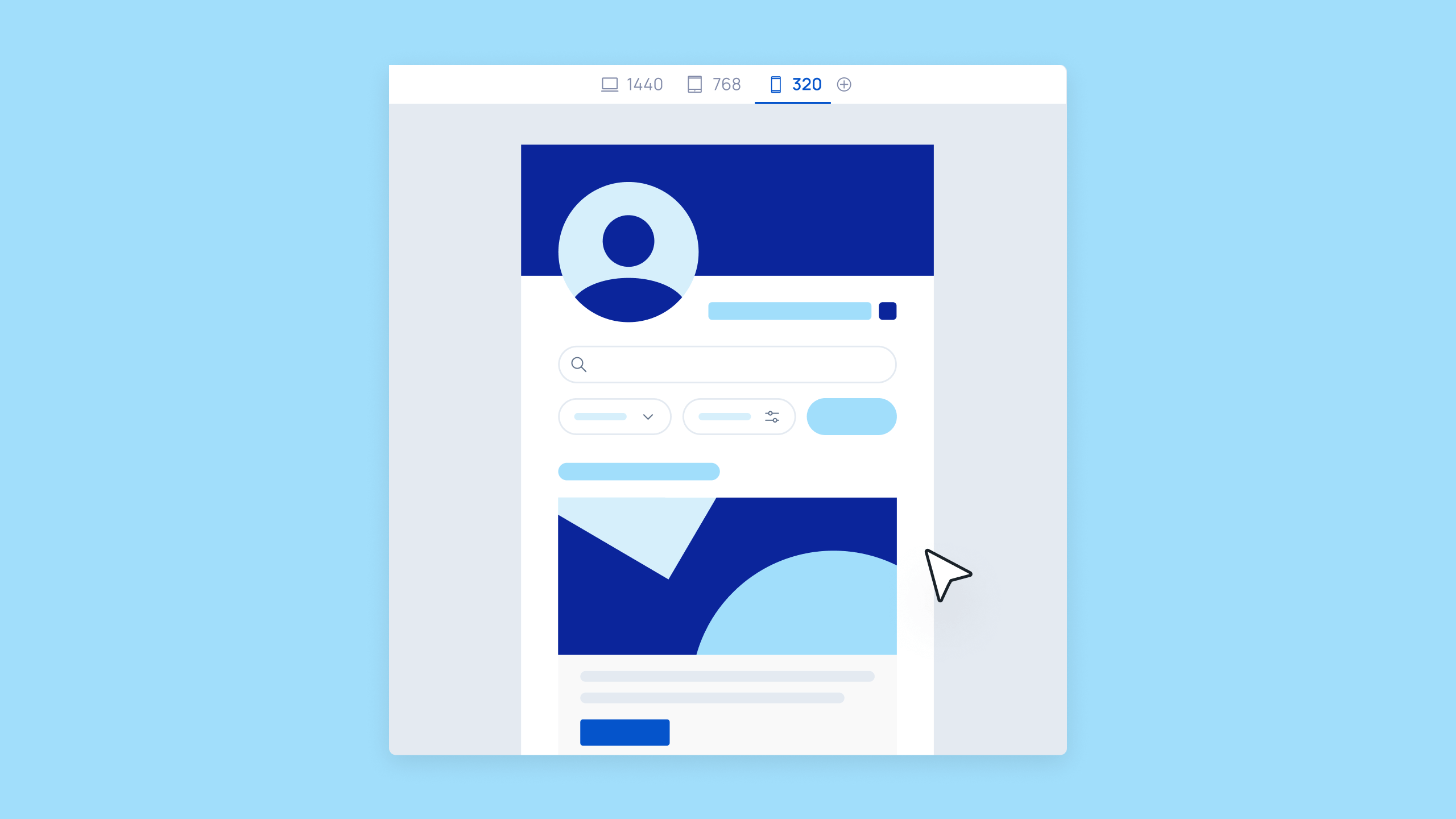
| Feature Name | Responsive Web App | Responsive Website |
|---|---|---|
| Functionality | Web apps include more complex functionality, such as allowing users to log in, send messages, edit data, and so on. | Websites tend to use static pages, where visitors consume content but can’t add to or edit it. |
| User roles | Web apps allow anyone to create and consume content as a user or editor, such as sharing Instagram posts, creating Airbnb listings, or writing Medium posts. | Websites only have one user — the website’s owner. Visitors to the site can’t log in or become users, and they can’t publish or edit website content. |
| User interaction | Web apps are interactive and dynamic, allowing the user to perform a wide variety of actions. | Websites are passive and static, allowing the visitor to consume content that’s already been created. |
| Customization | Web apps allow for custom functionality that gives the end user the opportunity to customize their experience and contribute to the web app’s ecosystem. | Websites display a single experience for all visitors. |
Disadvantages of web apps
Traditional browser-based web apps have some limitations compared to native mobile apps. Here are considerations when choosing between web-only, native mobile-only, or building both:
For browser-based web apps:
- Internet dependency: Most require an active internet connection.
- Performance: Browser-based apps can be slower than native apps.
- Browser compatibility: Web apps need to work across browsers (Chrome, Safari, Firefox). Bubble handles this automatically with responsive design.
- Limited device access: Browser-based web apps have restricted access to device features.
Which is better: Web apps or responsive websites?
The best solution depends on your business goals.
If you’re still not sure, this comparison chart should help:
| Web app | Website | |
|---|---|---|
| You’re looking for a static page that can be used for marketing or sales. | ✅ | |
| You want an online experience that can be accessed via desktop, mobile, or another device. | ✅ | ✅ |
| You want to build software that can scale for a large number of users. | ✅ | |
| You want a customizable solution with full-scale functionality. | ✅ | |
| You want an interactive solution where users can edit, add, and manipulate their own data and content. | ✅ | |
| You want to use data and logic to perform tasks and workflows for end users. | ✅ | |
| You want to build with AI-powered visual tools—no code required. | ✅ | ✅ |
Get started building your web app today
With Bubble, building a web app is easier than ever.
Ready to get started? Start building for free today. You can start with AI generation, templates, or a blank canvas.
Need help along the way? The Bubble AI Agent (beta) is built into the editor to make edits for you, answer questions, and guide you through every step of development. You can also tap into our thriving community forum to source advice and connect with other builders.
Frequently asked questions about web apps
What is the difference between a website and a web app?
A website is primarily informational: You consume static content. A web app is interactive: You log in, perform tasks, and manipulate data.
What is the difference between a web browser and a web app?
A web browser (like Google Chrome or Safari) is the software you use to access the internet. A web app is a program that runs inside your web browser. You access it through a URL without downloading anything.
Can web apps work on mobile devices?
Yes. Web apps can be responsive (working in any mobile browser) or built as native mobile apps with full device access.
Do I need to download a web app to use it?
It depends on the type of app. Traditional web apps are accessed directly through a URL in your browser. There’s no installation required, making them instantly accessible on any device.